How Does Digital Field Ticketing Software Improve Field-to-Office Visibility?
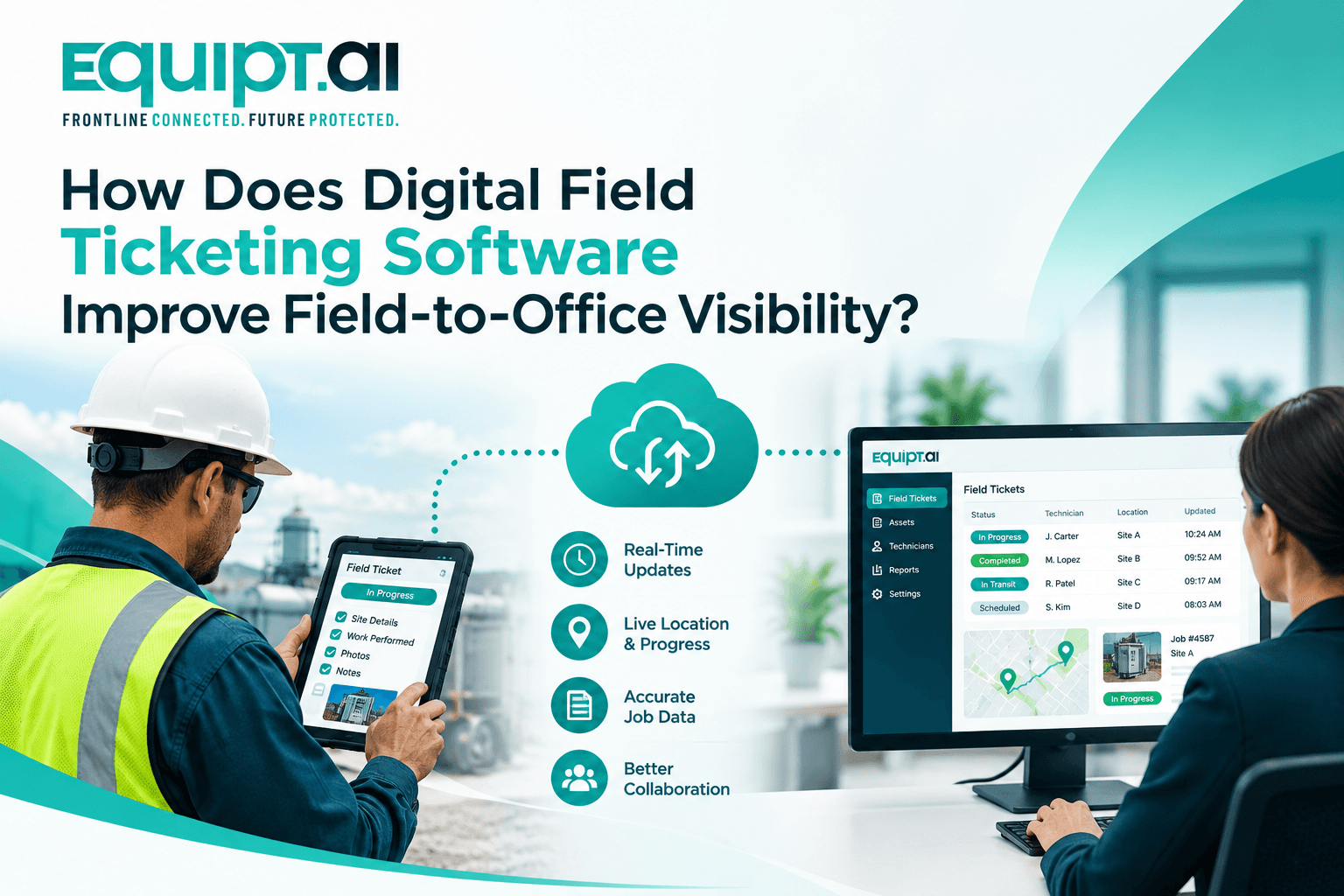
A field ticket does not end when the technician submits it. It triggers the next steps across operations, asset management, approvals, and billing. That's how digital field ticketing software improves field-to-office visibility.
- Field Service Management
TL;DR
-
Field work generates valuable data, but it needs to reach the office.
-
A connected ticket keeps job information together from the start.
-
Offline access lets technicians keep working without reliable connectivity.
-
Field updates should stay linked to the right work order.
-
Asset history becomes stronger when every service activity stays connected.
-
Structured data helps labour and materials flow into billing.
-
Digital approvals create a clear record of completed field work.
-
Integrations connect field data with ERP, CRM and accounting.
-
Managers can focus on exceptions instead of chasing job updates.
-
Equipt.ai connects field tickets, assets, workflows and billing seamlessly.
A field ticket should not end when the technician submits it. It should trigger the next steps across operations, asset management, approvals and billing.
That is the real value of field ticketing software. It turns field activity into structured data that the office can use without waiting for paperwork, chasing updates or re-entering information.
The technology behind that sounds simple, but it is not. Offline capture, data synchronization, work order relationships, asset records, approvals, audit trails and API integrations all determine whether field data actually reaches the right people at the right time.
The goal is to capture once in the field and make that information useful everywhere. If you are standardising the ticket itself, our guide to what a field ticket is in oil and gas lists the fields it should carry.
Start With What Happens After “Submit”
A digital ticket is only useful if the information inside it can move through the rest of the workflow. When a technician submits a ticket, labour hours should update the job, materials should be tied to the relevant work order, photos should remain linked to the service activity and customer approval should be recorded against the same transaction.
This is where the underlying data model matters. A strong field ticketing software platform should maintain relationships between the work order, customer, location, asset, technician, materials, service activity and billing record rather than treating each ticket as a standalone document. That gives the office a much clearer picture of what actually happened in the field.
Make Offline Capability Part of the Core Architecture
For field teams working in remote or low connectivity environments, offline access is not an optional convenience. The application needs to support local data capture and synchronize changes once connectivity returns. But there is more to this than storing a form on the device.
Look at how the platform handles queued transactions, attachments, sync failures and conflicting updates. If a dispatcher changes the job while the technician is offline, the system should have a defined way to reconcile those changes without creating duplicate or lost records. With Equipt.ai, field teams can access jobs and tickets offline, capture updates in the field and sync information when connectivity is restored through its field service management software.
Suggested read: Equipt.ai Field Service Management Software
The goal is that the field should not stop because the network does.
Connect Every Ticket to the Right Asset
Now consider what happens when the ticket involves equipment. If a technician services a pump, compressor or other asset, the ticket should not disappear into a completed-jobs archive. The service activity should become part of that asset's history.
That means recording details such as service dates, inspection results, meter readings, parts replaced, photographs and recurring issues against the asset record.
Technically, this creates a relationship between the field transaction and asset master data. Operationally, it gives the next technician better context before they start work.
Equipt.ai connects field service activity with asset information and maintenance history through oil and gas asset management, allowing teams to keep service records connected to the equipment they manage.
Capture Structured Data, Not Just Digital Forms
This distinction is easy to miss when evaluating field ticketing software. A PDF can tell you that a technician used five parts. Structured data can tell the system exactly which five parts were consumed against which work order, customer and asset.
The same applies to labour hours, equipment readings, travel time and additional work. That structure is what allows field information to feed other workflows such as inventory, spare parts management, costing, maintenance and billing without someone manually interpreting a document.
Configurable forms are therefore important, but they should be connected to the underlying transaction rather than simply generating another digital document.
Turn Field Changes Into Billing Events
Field work rarely follows the original estimate perfectly. A technician may spend additional hours, use more material or complete work outside the original scope. If those changes remain buried in notes, someone in the office has to find them and manually update the invoice.
A connected workflow can treat these as structured changes to the job. The flow should look something like:
Work order → Field execution → Digital ticket → Customer approval → Billing
This gives finance a traceable record of what was performed, what changed and what the customer approved. It also reduces the risk of revenue leakage caused by missed hours, materials or additional charges.
Build Approvals and Compliance Into the Transaction
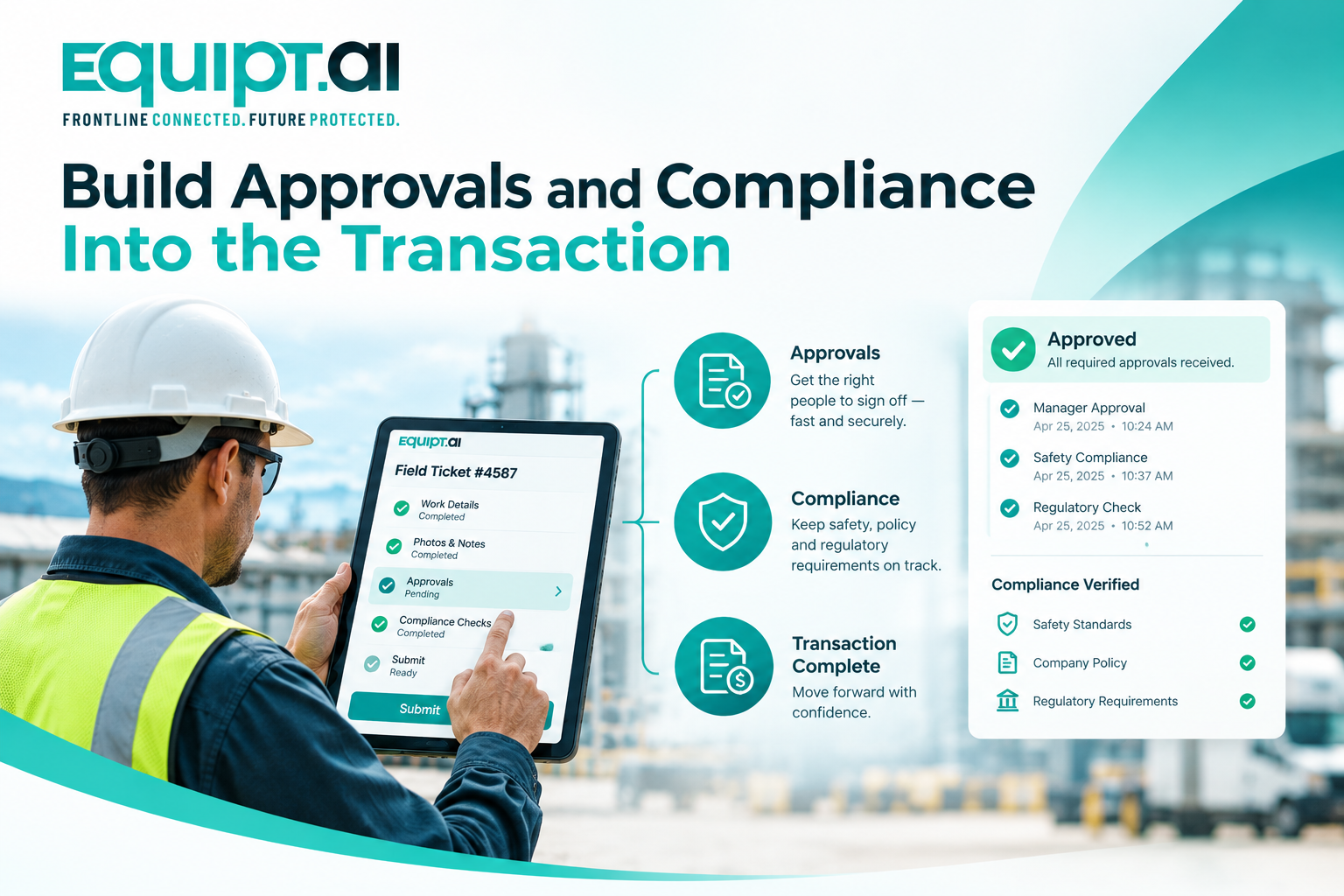
Customer signatures, inspection results, safety checklists, certifications and photographs should not sit separately from the job.
They should be associated with the relevant work order and captured with useful metadata such as user, timestamp, status and location, where appropriate.
This creates an audit trail that can answer basic but important questions later: who performed the work, what was recorded, when was it completed and who approved it? For operations teams, that means less time reconstructing events from emails and attachments.
Treat Integrations as Data Flows
Your field platform will probably need to communicate with ERP, CRM, accounting, inventory, GPS or telematics systems. Do not evaluate this simply by asking whether the vendor “has APIs.”
Ask which system owns each record, which fields are synchronized, whether data moves one way or both ways, how frequently synchronization occurs and what happens when an API request fails.
For example, a completed field ticket might need to update the work order, trigger approval, pass billable items to accounting and update the asset's service history.
That is a workflow integration, not simply a connection between two applications. Equipt.ai supports open API integration with existing business technologies through its oil and gas operations software, positioning the platform as a connected layer across field operations and enterprise systems.
Give Managers Exceptions, Not More Data
Once field information is connected, the next challenge is making it useful. Managers do not necessarily need to see every field update. They need to know what requires attention.
A good system should surface situations such as overdue jobs, incomplete tickets, unexpected labour hours, additional work awaiting approval, equipment issues or jobs that are complete but not yet billed.
This is where field ticketing software moves from data capture into operational intelligence. Instead of asking managers to search through hundreds of records, the system can bring important exceptions to their attention.
Test the Workflow, Not the Demo
If you are evaluating field ticketing software, do not ask the vendor to show you only the perfect workflow. Give them a real one.
Start with an assigned job. Take the technician offline. Change the scope. Add materials. Record additional labour. Attach photos. Complete an inspection. Capture the customer's signature. Bring the device back online and see how the data synchronizes.
Then follow that same transaction into asset history, reporting and billing. That will tell you far more than a feature checklist.
The Bottom Line
The real value of field ticketing software is not that it eliminates paper. It is that it connects field execution with everything that happens after it.
When information is captured once, synchronized reliably, connected to the right work order and asset, validated through approvals and passed into billing, the field and office finally work from the same operational record.
That is what field-to-office visibility should deliver - less chasing, less re-entry and a much clearer picture of what actually happened. See how Equipt.ai can connect your field and office workflows. Book your demo today.
Frequently asked questions
1. How does field ticketing software improve field-to-office visibility?
It creates a shared operational record, so dispatch, operations, management and finance can see job progress, field activity, costs and approvals without waiting for paperwork or manual updates.
2. What should happen to field data after a ticket is submitted?
The data should flow into the relevant workflows automatically, updating the work order, asset history, approvals, inventory, reporting and billing instead of becoming a standalone PDF or document.
3. How important is offline capability for field ticketing?
For remote operations, it is critical. The system should support local data capture and reliable synchronization while handling attachments, conflicting updates and failed syncs without losing or duplicating information.
4. How can field ticketing software reduce revenue leakage?
By connecting actual field activity with billing, the system can capture additional labour, materials, equipment usage and approved scope changes that might otherwise be missed during manual reconciliation.
5. How do I know if field ticketing software will work for my operation?
Test it with a real job from dispatch through billing, including offline work, scope changes, additional materials, customer approval and asset updates. The goal is to see whether the platform keeps the entire workflow connected without manual re-entry.

Aman Kaur
About the author
Dr. Hon. Amanpreet Kaur is the Co-Founder, CTO, and Chief AI Officer at Equipt.ai, where she builds operational AI for energy, industrial equipment, field teams, and critical infrastructure. With over 14 years of experience in enterprise technology and industrial operations, she writes about operational AI, digital twins, predictive maintenance, and enterprise-scale transformation.