Oilfield Crew Tracking: Who Is Where, on Which Job, and Cleared to Work
How to track every oilfield crew in one view: location, current job, hours, hitch and certifications, plus how to set it up and win crew trust.
- Oilfield Services
- Operations & Workforce

At 5 a.m. a customer calls: a well needs a crew today. The dispatcher starts phoning crew leads. One crew is still finishing a job two hours away. Another is close, but one crew member's H2S card expired last week. A third is free, but nobody is sure how many hours they worked yesterday. Forty minutes later the board is still being worked out on a whiteboard.
Crew tracking exists to answer those questions in seconds. This guide covers what an oilfield crew tracking app should show, how to set one up and how to get crews on board. It is for operations managers and dispatchers at oilfield service companies running crews across more than one yard or basin.
What is oilfield crew tracking?
Oilfield crew tracking is keeping one live view of every crew and crew member: where they are, which job they are on, what is next, how many hours they have worked, which equipment they have and whether their training and certificates are current. A crew tracking app gives dispatchers that view and lets crews update it from the field.
Generic technician tracking software usually follows one person and one van between service calls. Oilfield crews travel and work as a unit, with the equipment they run, so the crew, its people and its equipment need to sit on the same view.
What a crew tracking app should show
What to track | Example | Why it matters |
Status and location | In yard, driving, on location, off shift | Shows who can take the next job without a phone call |
Current and next job | Job number, customer, well or site | Stops double-booking and shows when a crew frees up |
Hours worked | Hours this shift, rest since the last one | Keeps crews inside your fatigue and overtime rules |
Hitch and rotation | Days into the hitch, next crew change, who relieves whom | Plans relief crews before anyone runs past the end of a hitch |
Training and certificates | Safety cards and customer-required training, with expiry dates | Stops a crew being sent to a site it is not cleared for |
Equipment assigned | Truck, trailer, tools, serialized iron | Matches the crew to the job's equipment list |
Check-in and check-out | Arrival and departure times on location | Backs up hours and standby on the field ticket |
Time on the job | Hours by task, standby, travel | Feeds the ticket and payroll from one entry |
Why a dot on a map is not enough
GPS tells you where a truck is. It does not tell you that the crew in it is out of hours, that one member's card has lapsed, or that the job they are heading to needs equipment they do not have. Dispatchers make those calls every morning, usually from memory and phone calls. Good crew tracking puts location, job, hours and qualifications on the same screen so the right crew goes out the first time.
Example: answering the 5 a.m. call
All crews, hours and equipment below are fictional and for illustration only. Here is the same morning from the opening, worked from one board instead of a phone.
Crew | Status and location | Hours | Certificates | Equipment | Can it go? |
Crew 1 | On location two hours away, finishing about 8 a.m. | 11 hours into a night shift, day 6 of 14 | All current | Matches the job | No: needs rest after this shift |
Crew 2 | In the yard, 30 minutes from the well | Fully rested, day 2 of 14 | One member's H2S card expired last week | Matches the job | Only after a swap |
Crew 3 | In the yard, 45 minutes from the well | Off shift since 6 p.m., day 9 of 14 | All current | Missing the iron trailer the job needs | Yes, once the trailer is loaded |
Crew 3 goes, and the trailer is loaded before it leaves the yard. Crew 2 stays available for the afternoon once a qualified hand replaces the member with the lapsed card, and that renewal gets booked today. The dispatcher has an answer by 5:05 a.m., not 5:40.
Crew tracking and driving safety
Travel between yards and well sites is one of the biggest risks oilfield crews face. According to OSHA, highway vehicle crashes are the leading cause of oil and gas extraction worker fatalities, and roughly 4 of every 10 workers killed on the job in this industry die in a highway vehicle incident.
That is why crew tracking should cover the drive as well as the job. Record when a crew leaves the yard and when it arrives on location, and plan routes and start times so long drives do not follow long shifts. If crew members drive commercial motor vehicles, federal hours-of-service rules apply on top of your own fatigue limits.
Give every dispatch an expected arrival time and agree an overdue window, such as 30 minutes. If a crew has not checked in by then, the dispatcher calls the crew lead, and everyone knows who calls next if there is no answer.
How to set up crew tracking, step by step
Step 1: Define crews, roles, rotations and what each job type needs
List your crews, the roles in each one and each crew's hitch pattern and crew-change days. For every job type, write down the roles, training and certificates it requires, including anything your customers ask for in their site rules.
Step 2: Load every crew certification with its expiry date
Record each person's training and certificates with issue and expiry dates. Oilfield crew certifications usually include H2S awareness, first aid and CPR, a basic oilfield safety orientation, each operator's site orientation and, for drivers, a commercial driver's license and DOT medical card. Check expiry against the end of the job or hitch, not today, and set reminders far enough ahead to book renewal training before a card lapses. These records also form the crew side of your oilfield audit trail.
Step 3: Agree statuses and check-in points
Keep the status list short: in yard, driving, on location, on standby, off shift. Agree where crews check in: leaving the yard, arriving on location, leaving location and back at the yard.
Step 4: Dispatch from one board
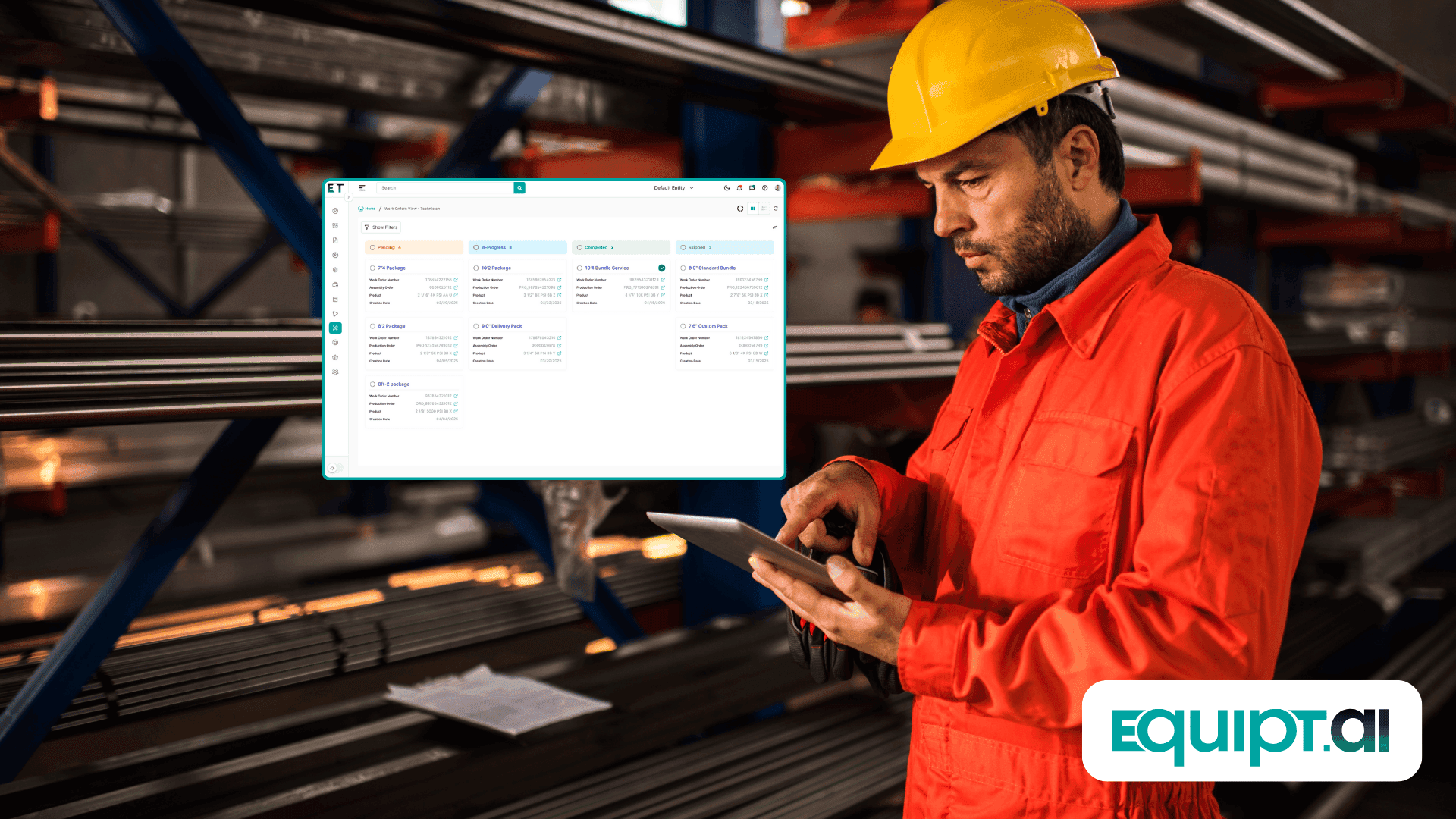
Assign jobs by matching each job's requirements to crews that are available, qualified and close enough. Equipt's oilfield dispatch software digitizes dispatch and keeps field, office and remote teams on one shared calendar, so the dispatcher works from facts rather than phone calls. Our guide to the oilfield dispatch workflow covers the full process from customer call to crew on location.
Step 5: Capture time on the job, even offline
Crews record check-ins, hours, standby and materials on a phone at the site (for stock carried on trucks, see our guide to oil and gas inventory management). Many sites have weak or no signal, so entries have to save offline and sync later. The same entries feed the field ticket and payroll, so nobody types them twice.
Step 6: Review the exceptions every week
Each week, review certificates expiring in the next 30 days, crews over your hours limits, crews sitting idle, check-ins that ran overdue, and jobs where hours on the ticket do not match check-in times. Each item gets an owner and a date.
Measure crew utilization, not just location
Once crews are tracked, you can see where their time goes. Three numbers matter most.
Number | How to calculate it | What it tells you |
Billable utilization | Billable hours divided by paid hours | How much of your payroll the customer pays for |
Travel share | Travel hours divided by shift hours | Whether crews are dispatched from the right yard |
Unbilled standby | Standby hours not billed, divided by all standby hours | How much waiting time turns into lost revenue |
Our oil and gas data management guide explains how putting job data, time capture, approvals and invoicing into one flow makes these numbers visible without a spreadsheet.
If you schedule crews across several yards, our guide to technician scheduling across multiple locations covers routing, skills matching and last-minute changes.
Win the crew's trust
Crew tracking fails when crews see it as surveillance. Be clear about what is tracked and when: work hours and job locations, not personal time or days off. Put that in a short written policy, and check your state's rules on employee monitoring and notice before you roll it out.
Explain that tracking replaces the 5 a.m. phone calls and the end-of-week timesheet scramble. Show crew leads the same board the dispatcher sees, and let every crew member see their own hours and certificate dates, so the information helps them too.
When to move off whiteboards and spreadsheets
A whiteboard works for one yard and a handful of crews. You have outgrown it when crews cross basins, customers require proof of training before site access, hours drive overtime disputes, or tickets and timesheets disagree.
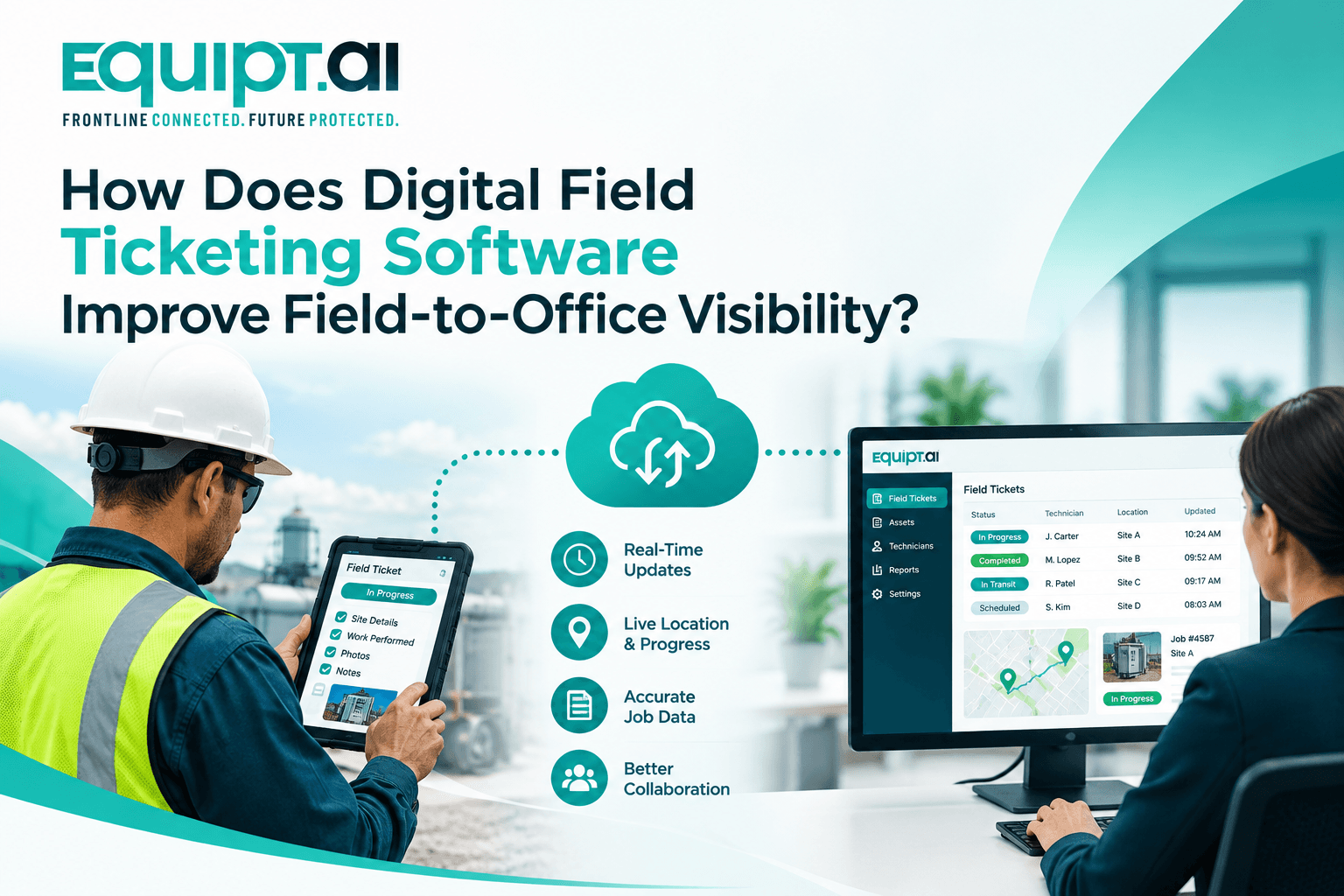
Equipt's field service management software shows which technician is working where and which jobs are pending, and captures jobsite data without network coverage. It routes jobs by location, skill and priority, and keeps digital certifications and time-stamped evidence for every job. When you are ready to compare tools, our checklist for oilfield job tracking software covers what to test first.
To see your own crews, yards and certificates on one board, book a demo with the Equipt team.
Frequently asked questions
What is an oilfield crew tracking app?
It is a mobile and office app that shows where each crew and crew member is, which job they are on, what is next, how many hours they have worked, what equipment they have and whether their training and certificates are current. Dispatchers use it to assign jobs, and crews use it to check in and record time from the field.
What is the difference between a crew tracking app and technician tracking software?
Technician tracking software usually follows one person and one van between service calls. An oilfield crew tracking app follows the crew as a unit, together with the equipment it runs, its hitch and the certificates each member needs for each customer's site. What matters is that crews, people and equipment show on the same board.
How do you track crew certifications in the oilfield?
Record each person's training and certificates with issue and expiry dates, list the certificates each job type and customer requires, and check them when you assign a crew. Check expiry against the end of the job or hitch, and set reminders well before expiry so renewal training is booked before a card lapses.
How do you track crews at well sites with no cell signal?
Use an app that saves check-ins, hours and job entries offline and syncs when the phone reconnects. Crews check in when they leave the yard and when they arrive on location, so the office still sees progress at the next sync instead of waiting for a paper timesheet.
What should crew tracking measure?
Track status, location, current and next job, hours worked, hitch days, certificates and equipment assigned. From those records, measure billable hours as a share of paid hours, travel time as a share of the shift, and standby hours billed versus not billed.
How do you track crews without invading their privacy?
Track work time only: shifts, check-ins and job locations, not personal time or days off. Tell crews in writing what is tracked and why, let them see their own records, and check your state's rules on employee monitoring and notice before you roll it out.